
AskPeat Updates
AskPeat on Web
- Enhanced Response Feedback: Users can now provide additional feedback when disliking an AskPeat response, helping improve the quality and accuracy of future AI responses.
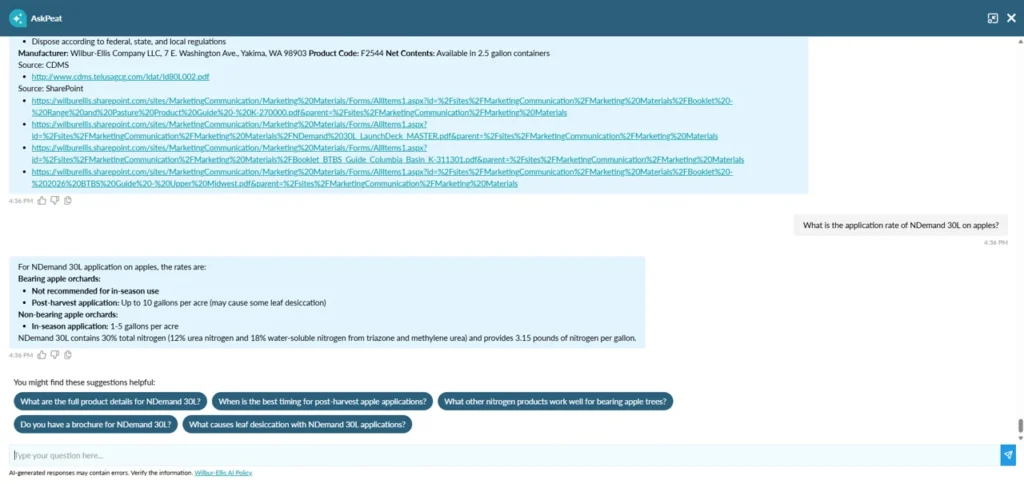
- Smart Prompt Suggestions: AskPeat now displays clickable smart prompt suggestions based on the question asked, helping users quickly explore related information and relevant actions.
- Improved Timeout & Error Handling: Enhanced handling for delayed responses and connection issues with clearer messaging, retry options, and a smoother AskPeat user experience.
AskPeat Mobile
- AI Knowledge Base: AskPeat responses are powered by trusted knowledge sources including CDMS product labels, Wilbur-Ellis internal marketing content, and Wilbur-Ellis Agribusiness and Corporate websites.
- AskPeat Preferences: Enable or disable the AskPeat floating icon from Preferences. Visible only to users with AskPeat access.
- AI Agreement: First-time users must review and accept the AskPeat AI Policy before using the feature.
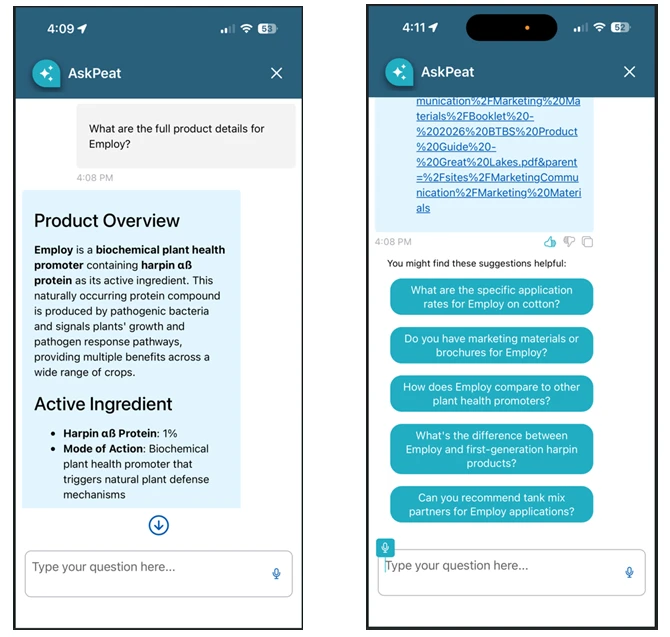
- Chat Interface: Ask agronomy-related questions and receive AI-powered responses directly within the app. Responses also include source references/links when available, allowing users to verify the information. Interaction is available only in Online Mode.
- Response Feedback: Like, dislike, copy responses, and provide feedback for disliked responses.
- Voice Interaction: Ask questions using voice-to-text instead of typing.
- Smart Prompt Suggestions: View clickable prompt suggestions for faster access to relevant information.
- Timeout & Error Handling: Improved handling for long-running responses, retries, and connection issues.
- Offline Mode Support: View previously saved AskPeat conversations while in Offline Mode.
AI Soil Analysis Report
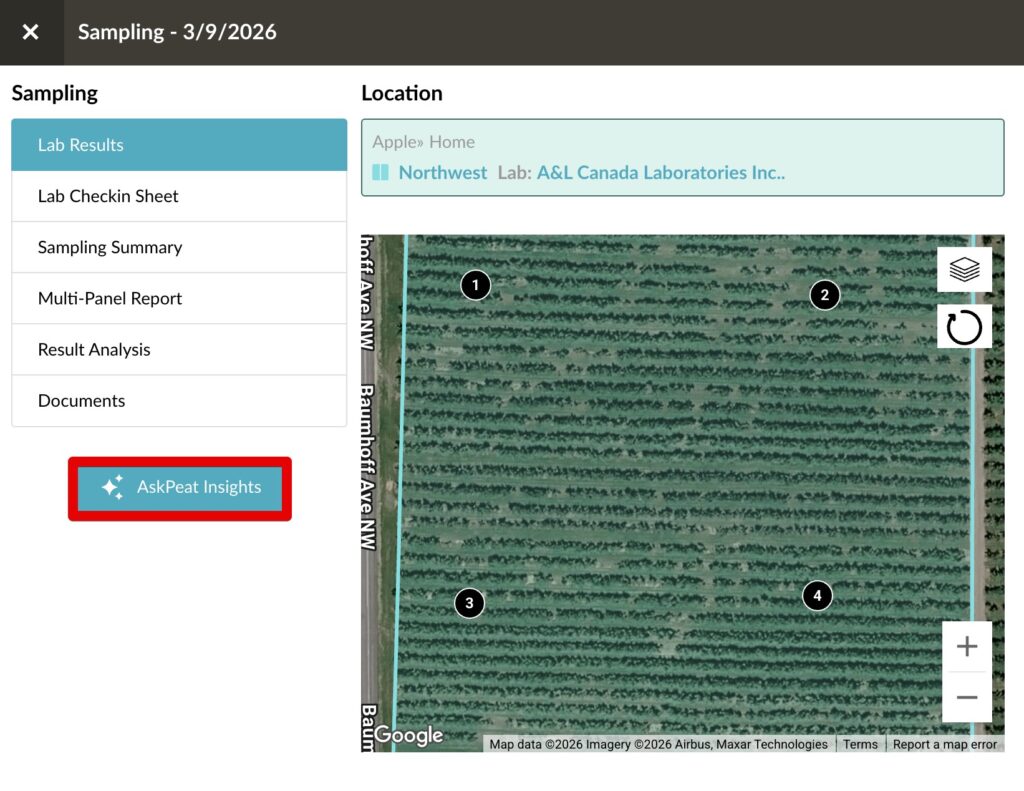
- Added a new AskPeat Insights option for Soil Samples in AgVerdict.
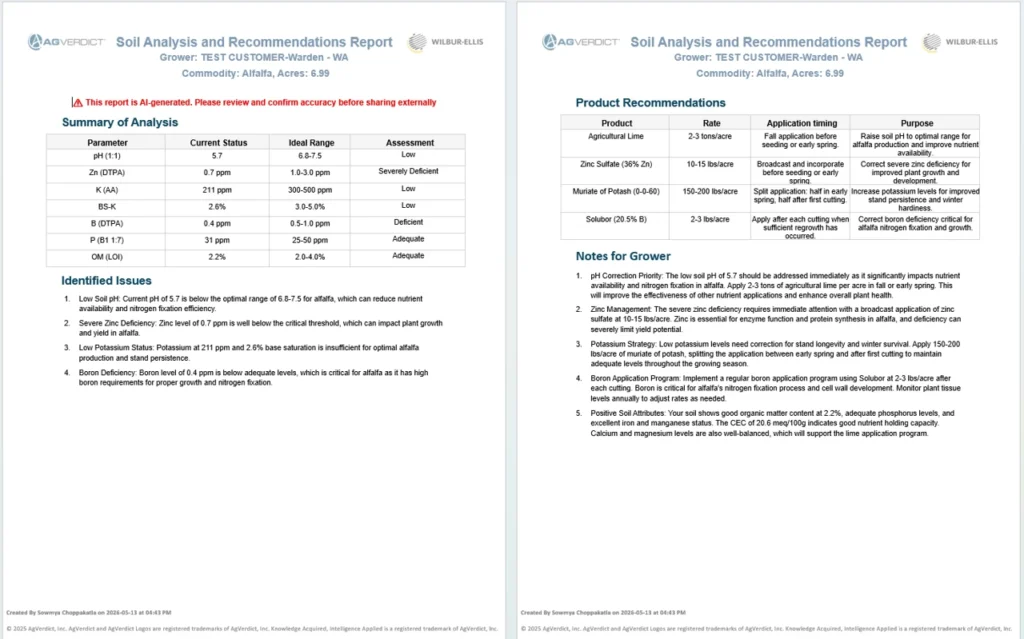
- Users can generate an AI-powered Soil Analysis and Recommendations Report based on soil lab results.
- Reports include soil analysis summaries, identified issues, product recommendations, and grower considerations.
- Reports are generated in Microsoft Word format for easy review and sharing.
- Available only for users with AskPeat access and samples with lab results.
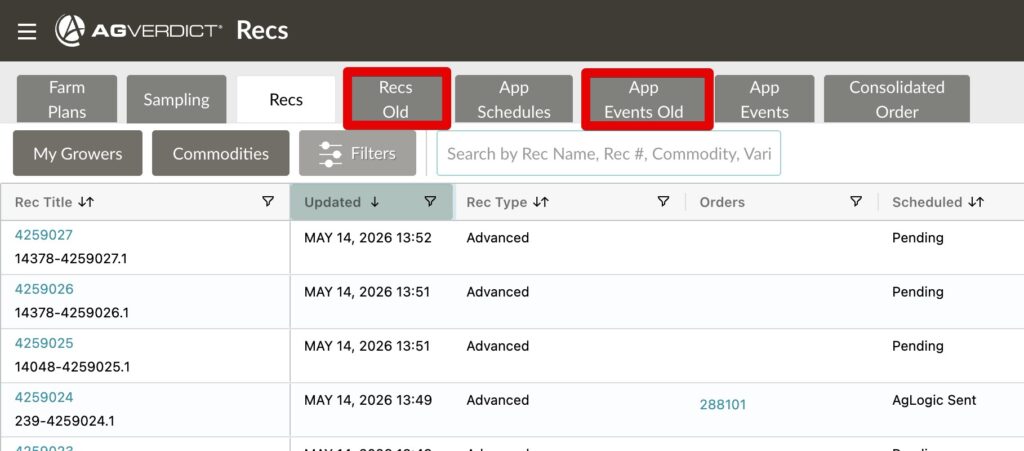
Removal of old rec and app event lists
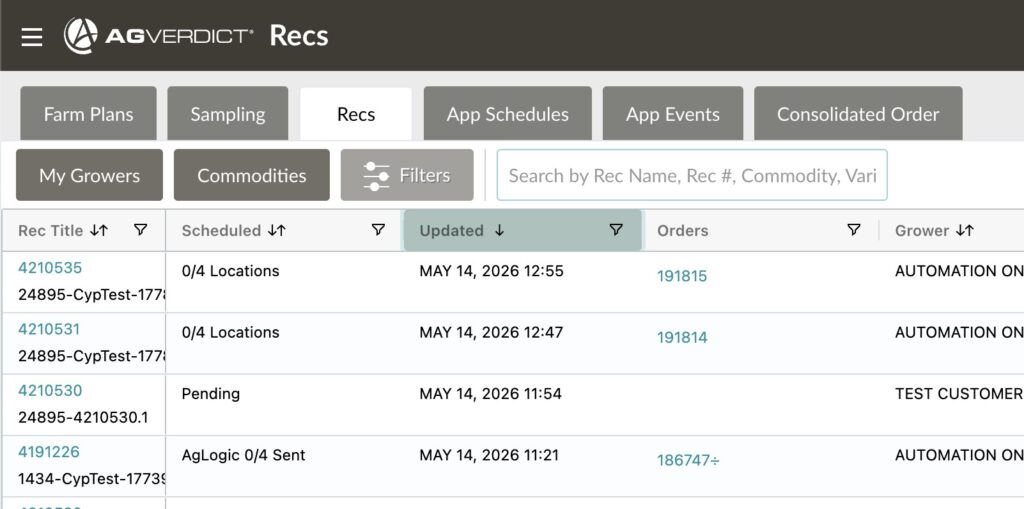
The old recommendations and application event lists have been shut down as we continue to standardize the technology behind AgVerdict dashboards.
Aglogic Enhancement
Starting on the 18th JDE and Agvend will be doing an enhancement to improve the time it takes for a rec to be sent to Aglogic once the order has been sent to JDE.
Previously, after orders originating from recommendations were submitted to JDE through AgVend, there was an approximately 13-minute delay before the associated recommendation was sent to AgLogic. With this update, recommendations are now sent within about 1 minute of the orders being accepted by JDE.
Recommendation Notes Font Issues
Font size formatting now saves and displays correctly when saving a draft or submitting a recommendation.
Addressed Issues:
- Previously, duplicating a recommendation with an unsaved custom blend only worked for the same grower—cross-grower duplication caused an error. This is now fixed. You can duplicate recommendations with unsaved custom blends across growers within the same branch, without needing to save the blend first.
- AZ 1080 report showed PCA/PGP license text misaligned above the line. License text now aligns correctly on/just above the line next to the PCA or PGP # label.
- Expand locations toggle on the recommendation list now works as expected. Previously it was not working and expanding locations properly.